
Studio notes
Substrate Check
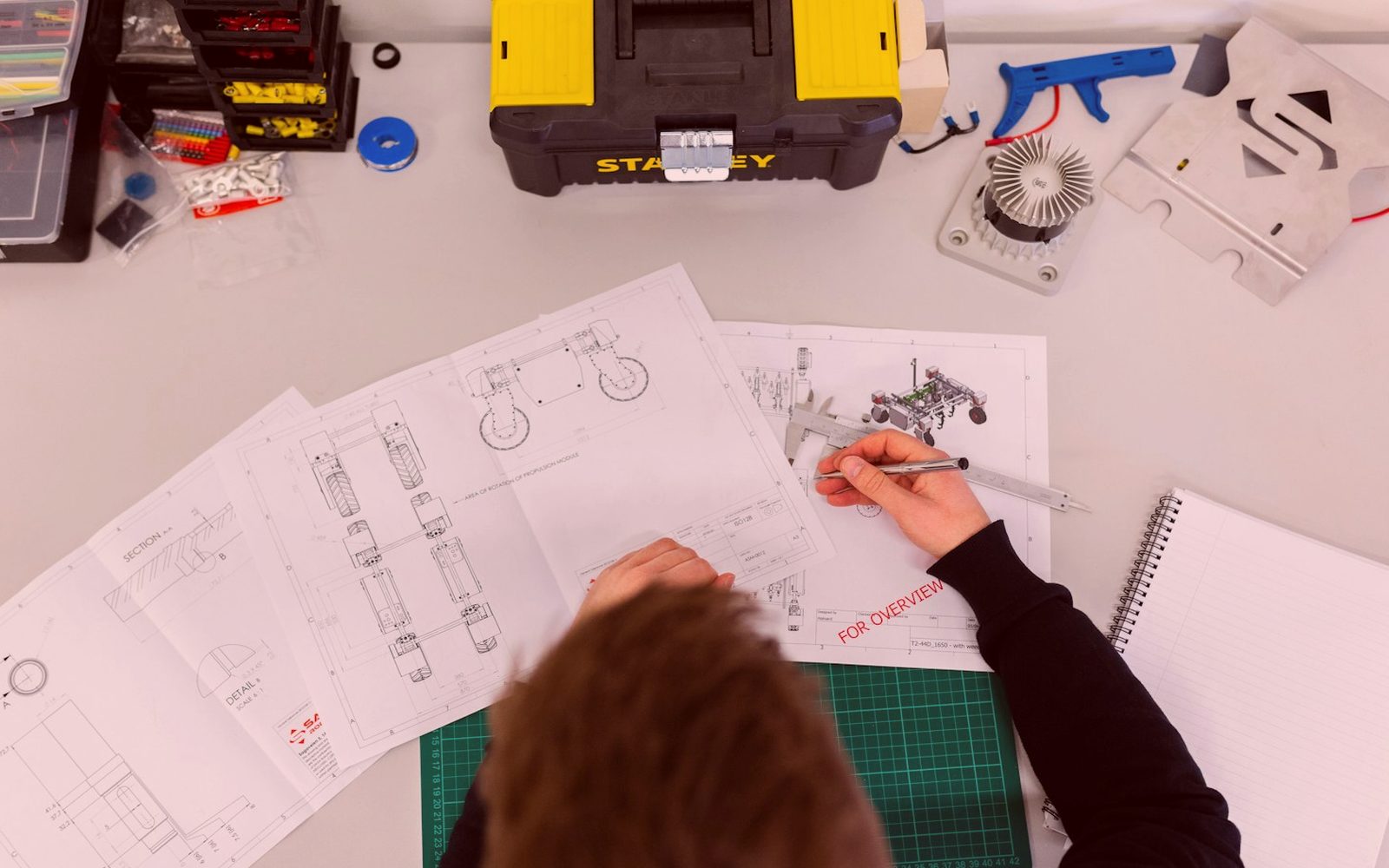
A practical note on substrate checks, from board flatness to acrylic grade and cut response.
Wrong material assumptions create poor cuts quickly. MDF, plywood, acrylic, laminated board and thin sheet each behave differently under a spindle or laser beam. Substrate Check runs through what to confirm before settings are copied from the last job.
Substrate Check starts before any file is loaded. We note sheet thickness, bow, face finish and protective film because MDF, cast acrylic and laminated board do not react the same way on a table in the Cape.
Checks done before settings copy
- Board thickness measured at corners
- Protective film and face condition photographed before cutting
- Material type named, not guessed from appearance
- Operator, buyer or foreman listed clearly
This note belongs next to the machine pages, not instead of them. A router spec tells you spindle and bed size, while Substrate Check focuses on warped board, acrylic grade, adhesive layers and cut response. Read both before you carry old settings into a new batch.
How Substrate Check matters in a real week
Substrate Check covers the basics to confirm before cutting. Board flatness, acrylic grade and cut response all affect how a CNC router or CO₂ laser will behave on the table.
Material condition changes more than people expect. Moisture in MDF, voids in plywood, masking on acrylic, and laminate hardness can all shift feed rate, spindle load or laser edge quality. Workshops in Somerset West, Cape Town and inland centres often need different handling for the same nominal sheet.
A first photo of the full sheet helps later when cut quality changes halfway through the run. Marking crown, damaged corners or mixed stock with a quick note near the machine saves time when the next operator restarts after a damp weekend. Small checks like that prevent repeated test cuts on expensive acrylic.
What to isolate
You leave with a tighter way to identify material problems before blaming tooling or files. Flatness checks, edge inspection and a short test pattern can show whether chatter, flare-up or frosting comes from the sheet itself. That is usually more useful than copying the last successful setup and hoping it repeats.
Use Substrate Check with the linked machine sections before you expand a job across more sheets. Confirm the stock description, actual thickness and any masking or coating, then record the result with the contact form if you need to reference the same issue later. Name the router, laser or cell if the question relates to a specific setup.
- Thickness variance flagged before nesting
- Test cut logged on the first sheet
- Material notes kept with the job
Cape workshop material realities
Coastal storage can change sheet behaviour faster than many teams expect. MDF can pick up moisture, acrylic can arrive with mixed masking condition, and laminated boards may show edge chipping long before a full batch is loaded. If the CNC router, CO₂ laser, or profile cell is in daily production, separate a substrate issue from a machine fault before changing multiple settings.
Salt air affects cleaning frequency around lenses, rails and extraction points, but substrate condition still needs its own check. Inland dust may point to different housekeeping routines, while Cape humidity can alter board flatness after storage. Power interruptions also matter because a restarted job on warped material rarely behaves like the first pass.
Operated by Astros Marketing (Pty) Ltd from 2 Makro Place, Sunnyrock 1401.
Notes worth saving with samples
A practical note on substrate checks, from board flatness to acrylic grade and cut response.
Keep a short record of the sample cut, material label and visible sheet condition while the job is still on the bed. A buyer comparing MDF, plywood or acrylic options can then see what was tested and how the edge responded. That makes later machine discussions far more precise.