
Cells
Multi Site
A multi-site machine plan for South African businesses, keeping layouts consistent across more than one workshop.
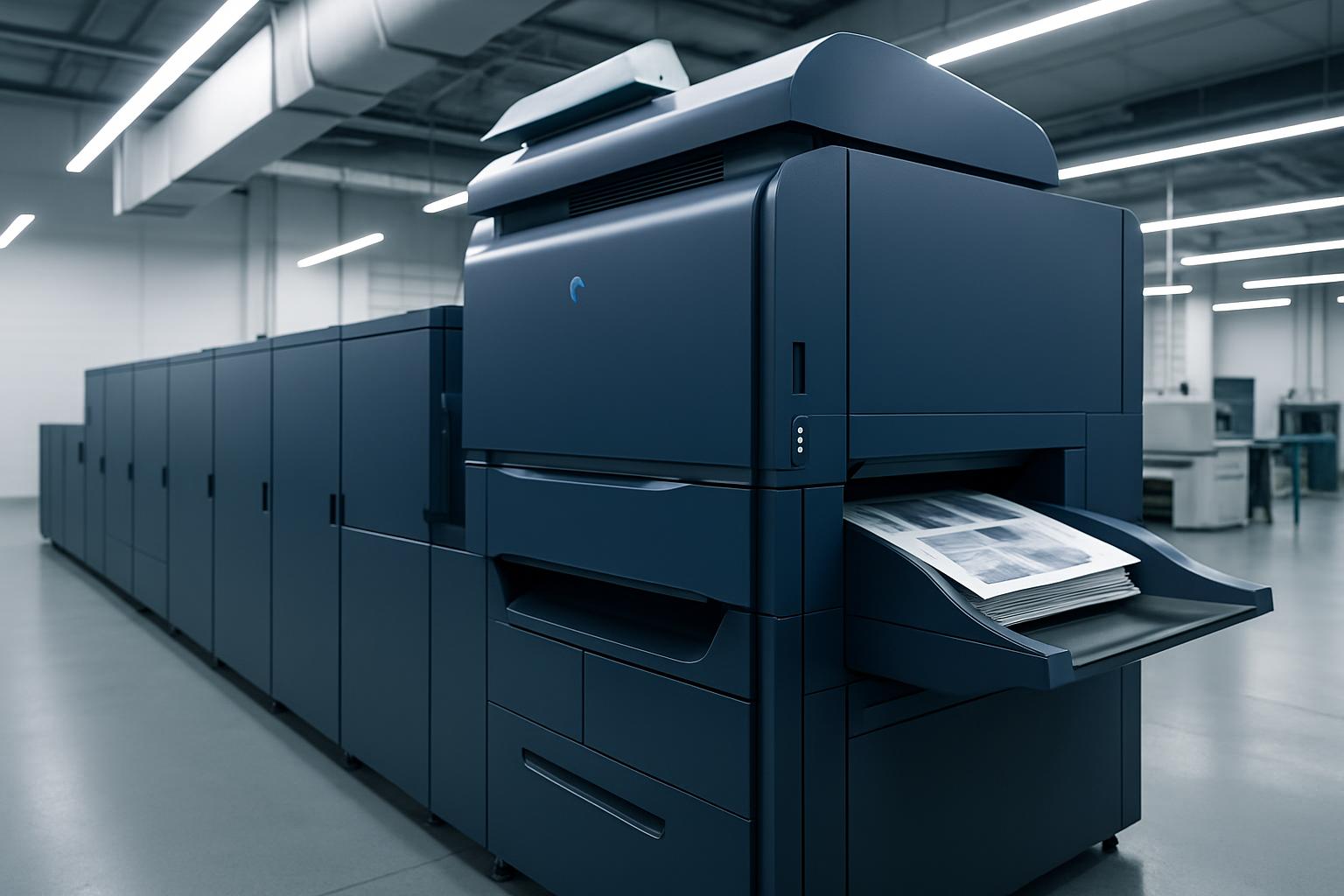
Matching branches for routers and lasers
Multi Site helps businesses keep the same machine logic across more than one workshop. It is useful when layouts, work zones and operator habits need to match between branches using CNC routers, CO₂ lasers or both. The goal is a setup that staff can recognise from one site to the next.
A router bay in Somerset West can mirror one in Cape Town or Durban, with matching board flow, laser placement, operator access, extraction points and file naming. That makes handovers easier when staff move between sites or when one branch has to pick up overflow work.
Begin with a marked layout of each workshop, not just a machine list. Include where full sheets are offloaded, where cut parts are stacked, how acrylic is stored, and where lens cleaning kits, collets and spoilboard tools are kept. One missing reference point between branches can lead to wrong parking positions, swapped settings or wasted setup time at the next site.
What Multi Site standardises
The plan sets out repeated machine positions, shared work zones and the same operator checks across branches. Router stations can use matching vacuum, tool change and sheet reference routines, while CO₂ laser areas can follow the same focus check, exhaust route and material staging order. Consistency matters when jobs move between sites during load-shedding, maintenance or peak production.
Use Multi Site with the related Cells planning before adding another branch with different habits. Check machine model details, power requirements, extraction routing and operator notes first, then send the basic branch information through the contact form. Include the branch names, the machines in use, and one photo per workshop so the layout differences are visible.
- Matching machine logic across branches
- Shared checks for each startup
- Branch details sent by email
Branch conditions that affect layout
One branch may deal with coastal air near Somerset West while another works inland with heavier dust and higher daytime heat. Those conditions affect lens cleaning frequency, rail care, board storage and how often covers and sensors are checked. A Multi Site plan needs those differences noted without changing the main operating logic from branch to branch.
Power supply and access also change the way a repeated layout should be drawn. Long router cuts need sensible restart planning where outages are common, and laser stations need extraction paths that suit the actual building rather than a copied sketch. If forklifts, couriers or shared loading areas differ between sites, that should be shown before machine positions are fixed.
Operated by Astros Marketing (Pty) Ltd from 2 Makro Place, Sunnyrock 1401.
Information needed for each branch
Send clear workshop photos, machine names, usable wall lengths and the materials each branch handles most often. Note whether the site runs MDF, birch ply, acrylic, ABS or mixed sheet stock, and mention any recurring issue such as cramped offloading space or awkward exhaust routing.
Keep a written branch record with the final layout, operator checks and machine notes for that site. When a manager compares workshops or moves staff between them, the same sheet helps confirm what matches, what differs and which settings must stay with a specific machine.
What our CNC and Laser customers say
Verified Google reviews